
Your catalogue.
Your character.
Your commerce.
Build an ecommerce website that feels like your business. See how a prepared catalogue becomes a personalised shop — from the first collection to the first test order.
Watch the walkthrough 7:31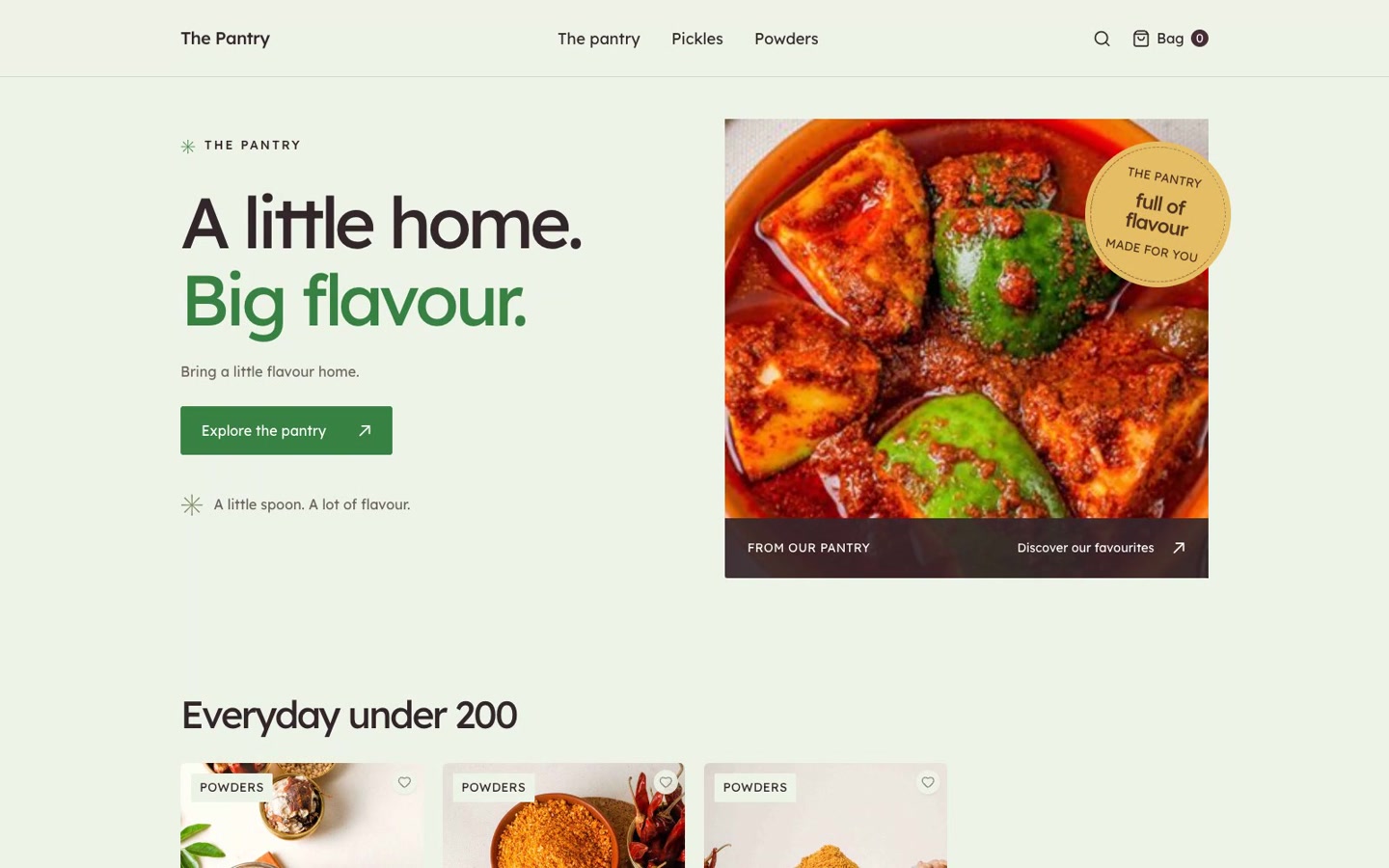
A shop that feels like you.
THE IDEA IS SIMPLE
Configure the experience.
Keep the commerce connected.
This walkthrough follows a food store, but the sequence is about your brand: organise the products, choose a template, compose the pages and carry that experience through to checkout.
Recorded in a prepared demo store with Editorial already selected. The story below explains template selection; the video begins with the catalogue and does not show that setup step. It does not cover full business, payment or tax setup.
Your catalogue is the beginning of the story.
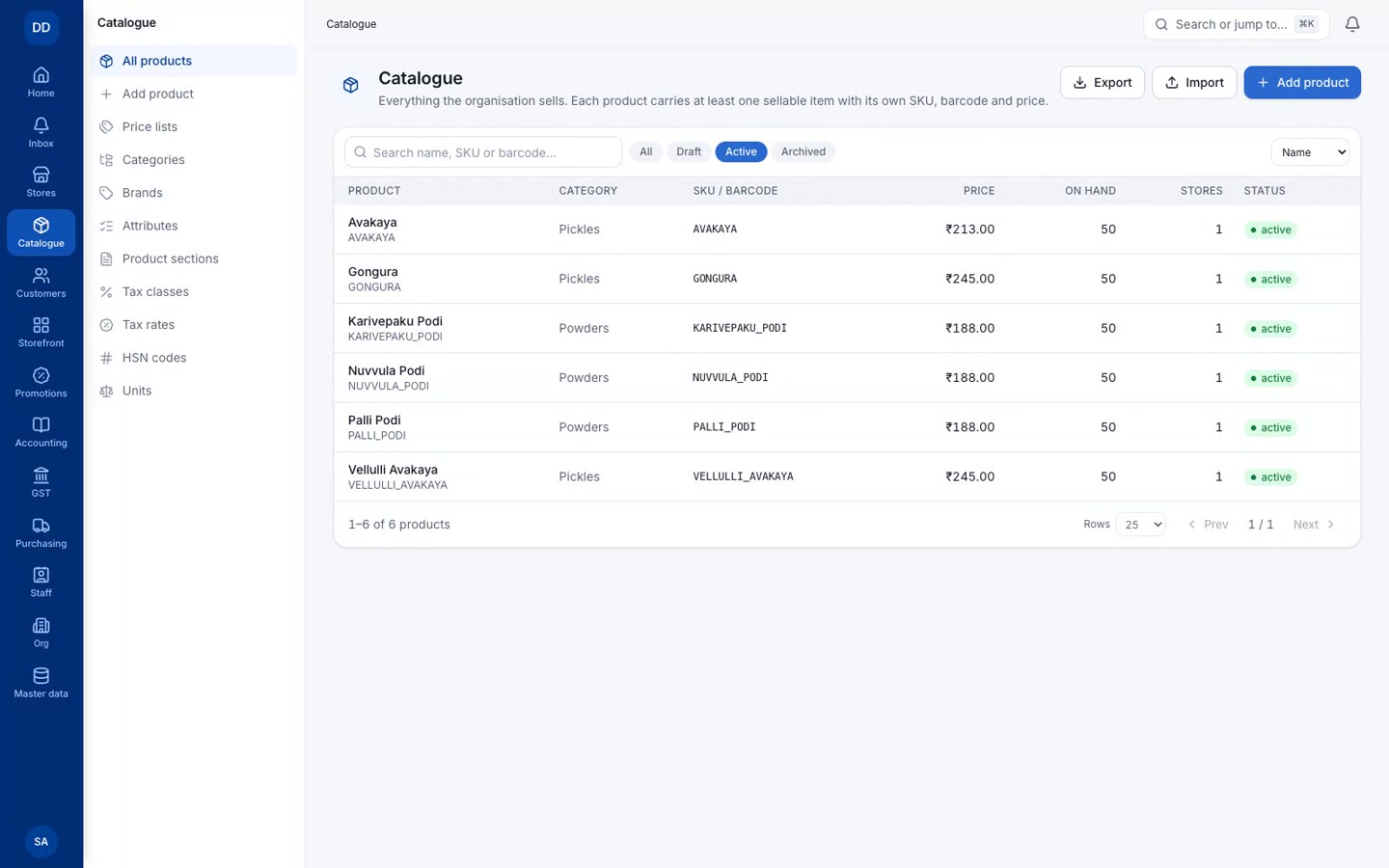
Start with what you sell.
Load product names, images, prices and categories. The demo starts with a prepared food catalogue, then shows the products it generates. That same catalogue supplies the storefront.
A little curation goes a long way.
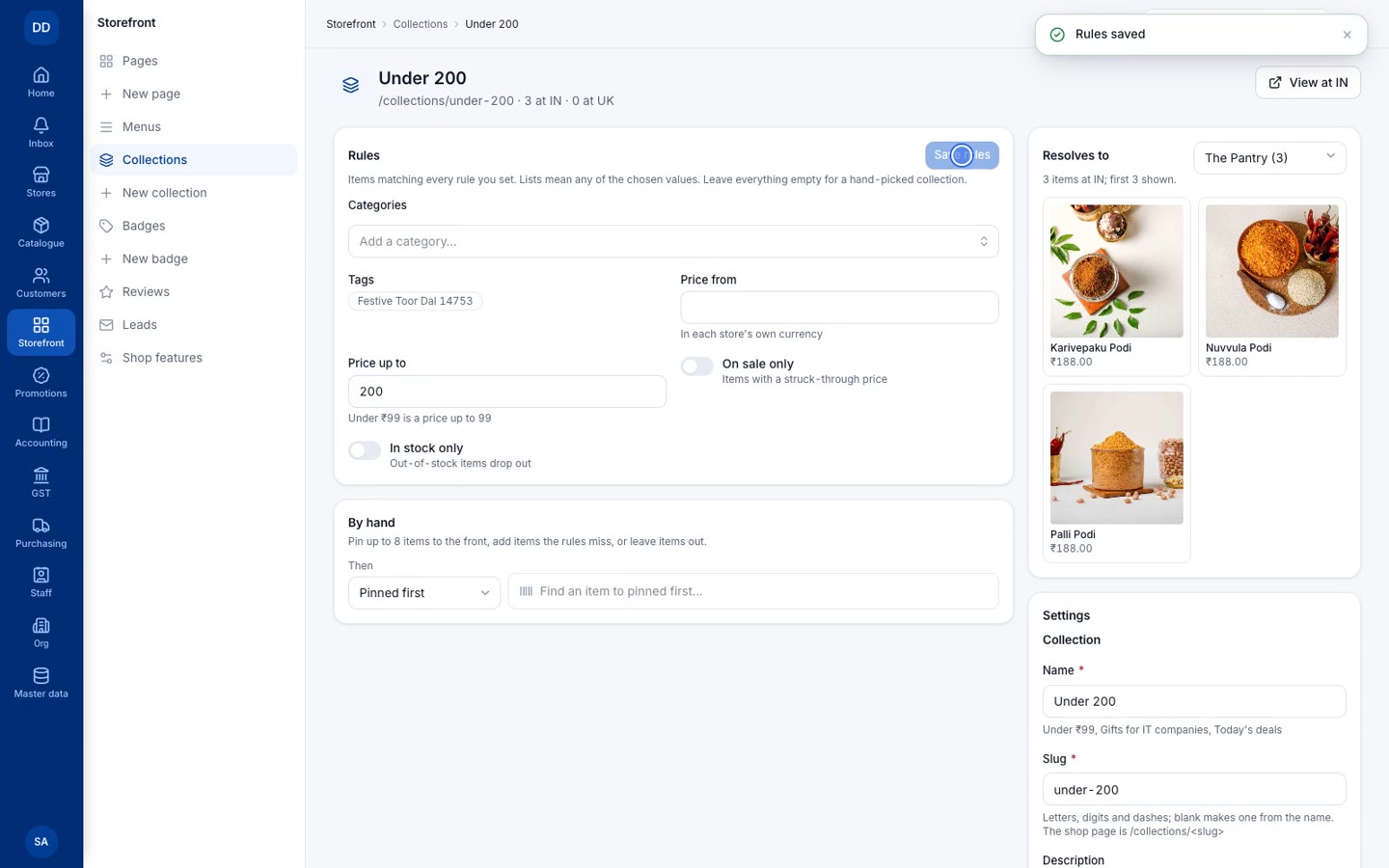
Give every collection a purpose.
Create a bucket for pickles, then another for products below a chosen price. Rules decide which products belong; you choose how to present them.
Start with a design that fits.
Choose your storefront’s character.
In your store’s Storefront settings, choose from the templates enabled for your business. Market puts browsing and product discovery first. Editorial gives your brand story more space, with generous headlines and expressive product sections.
Market and Editorial are two examples. More templates are available, and we can create a custom template for your brand.
Then personalise the chosen template with its available sections, your collections and your colours. Your catalogue stays connected.
Arrange the story. Set the mood.
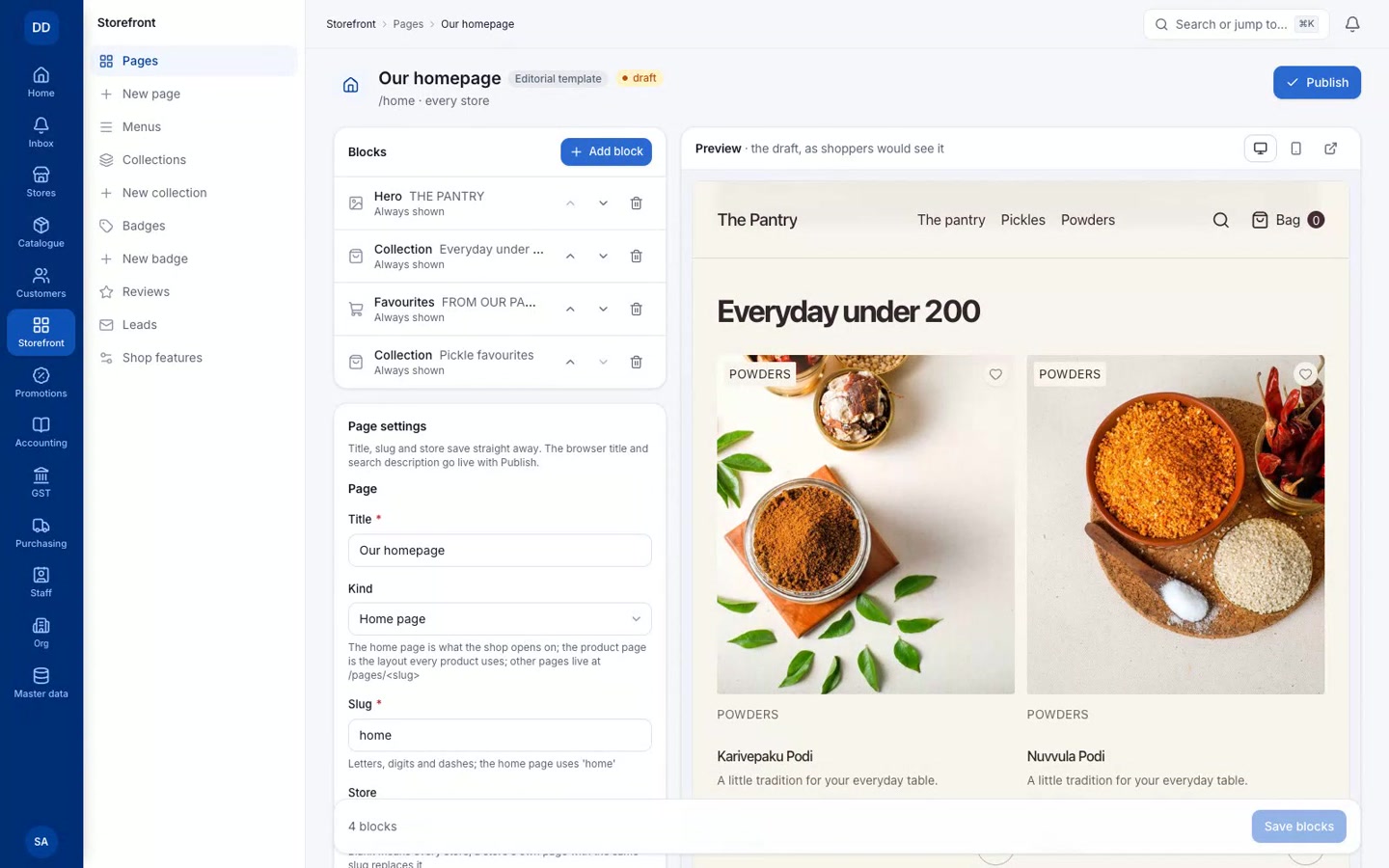
Make the homepage your own.
Add your collections to the homepage and move them into the order you want customers to discover them. Choose a brand colour and page background, then preview the result before publishing.
The product page deserves the same care.
Make the details feel considered.
Edit the picture note, buying section and flavour heading. A taste chart helps shoppers understand the product, while the purchase controls stay close to the decision.
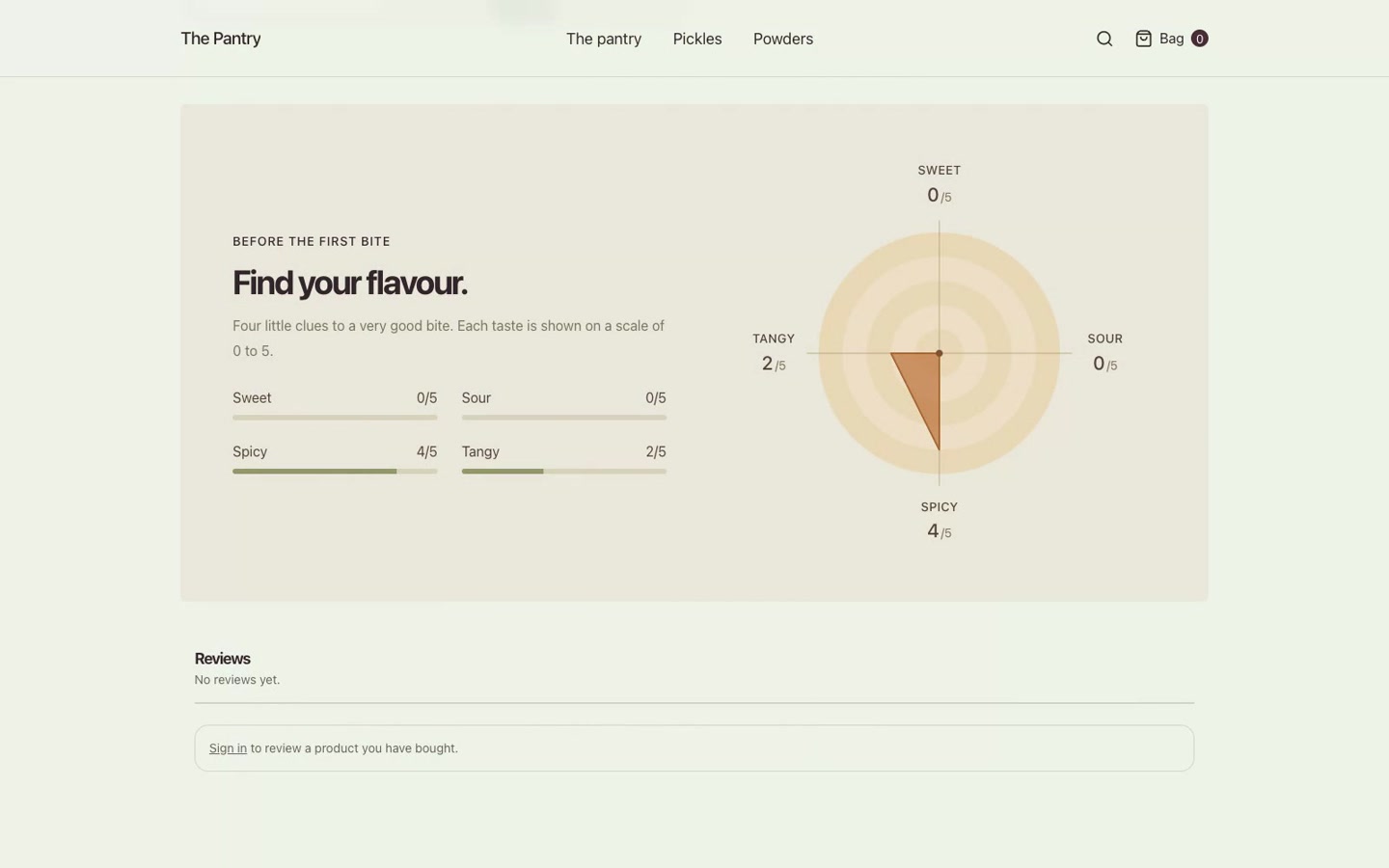
A draft becomes a storefront.
Preview. Check. Publish.
Review the desktop and phone layouts, then confirm publication. Open the published store and check the new colours, collection order and product-page edits as a shopper would.
From discovery to a test order.
Follow the experience all the way through.
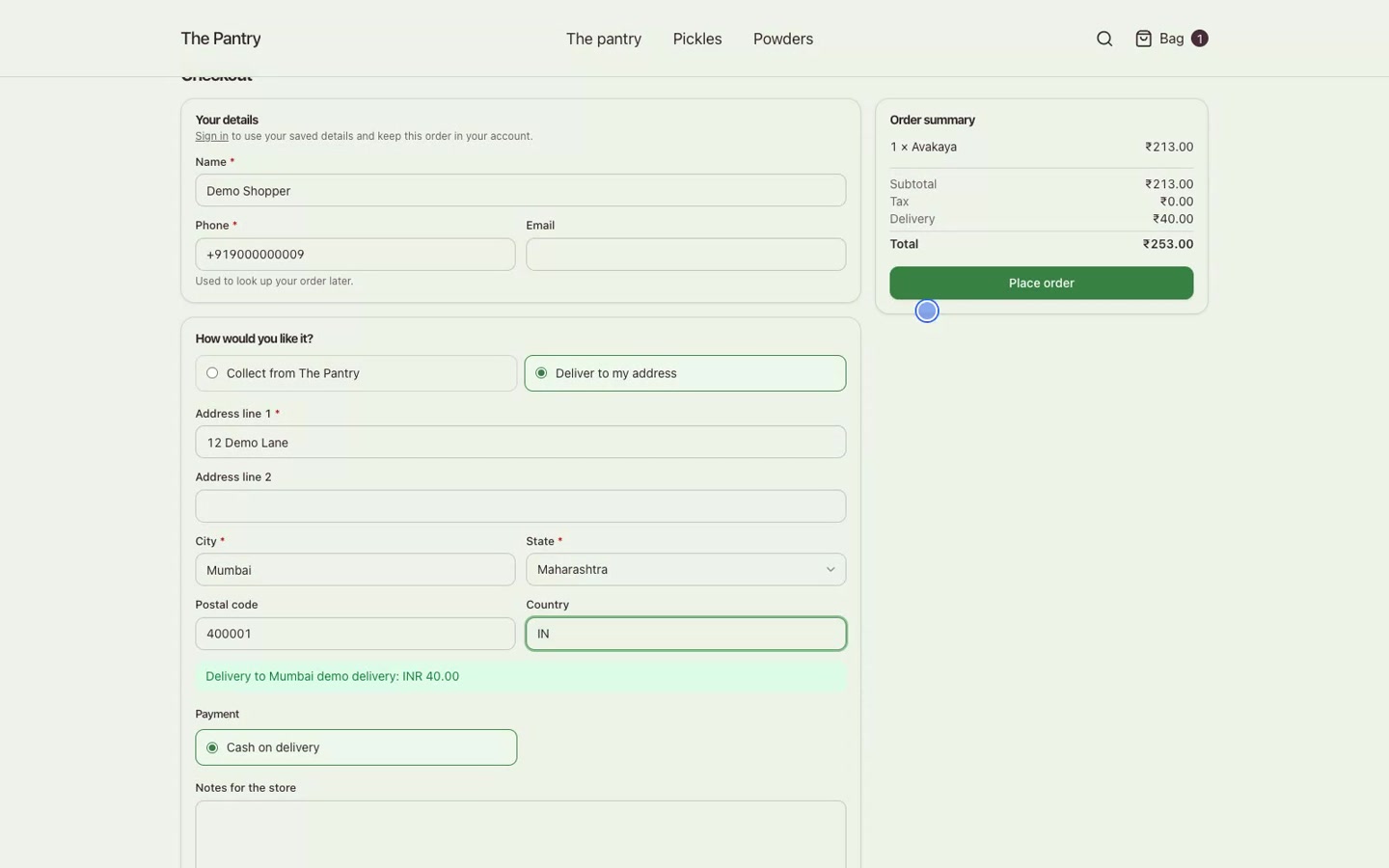
Add a product to the bag, enter delivery details and review shipping and payment. The demo places a cash-on-delivery test order, then opens the same order in admin.
THE OTHER SIDE OF CHECKOUT
The same order.
Ready for your team.
The shopper receives a confirmation. Your team sees that order in admin, with its lines, delivery charge and payment status.
Explore more of Dhi Commerce ↗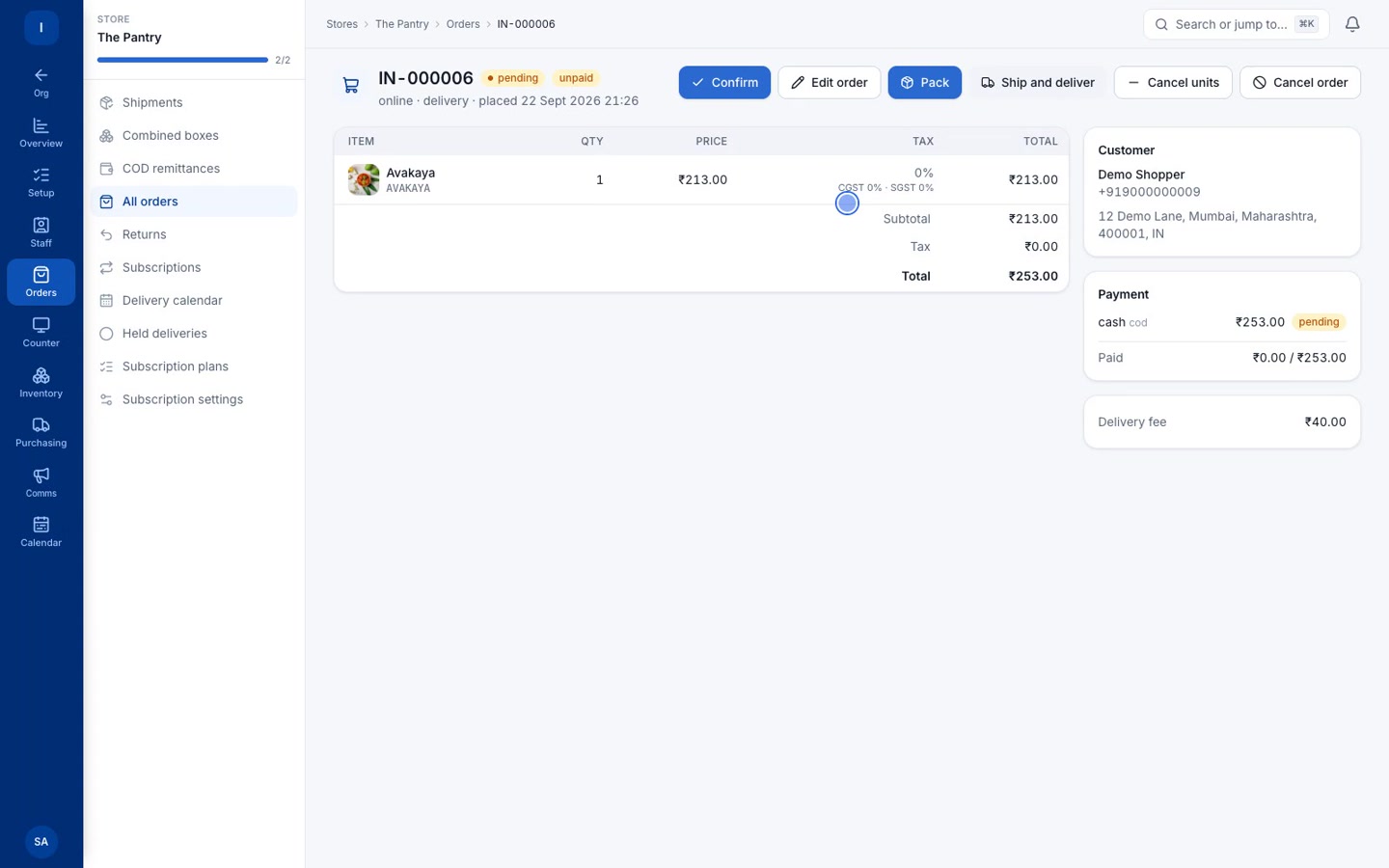
SEE THE WHOLE STORY
From catalogue
to checkout.
A real browser walkthrough, at a pace you can follow.
Recorded in a demo environment · Synthetic voice narration